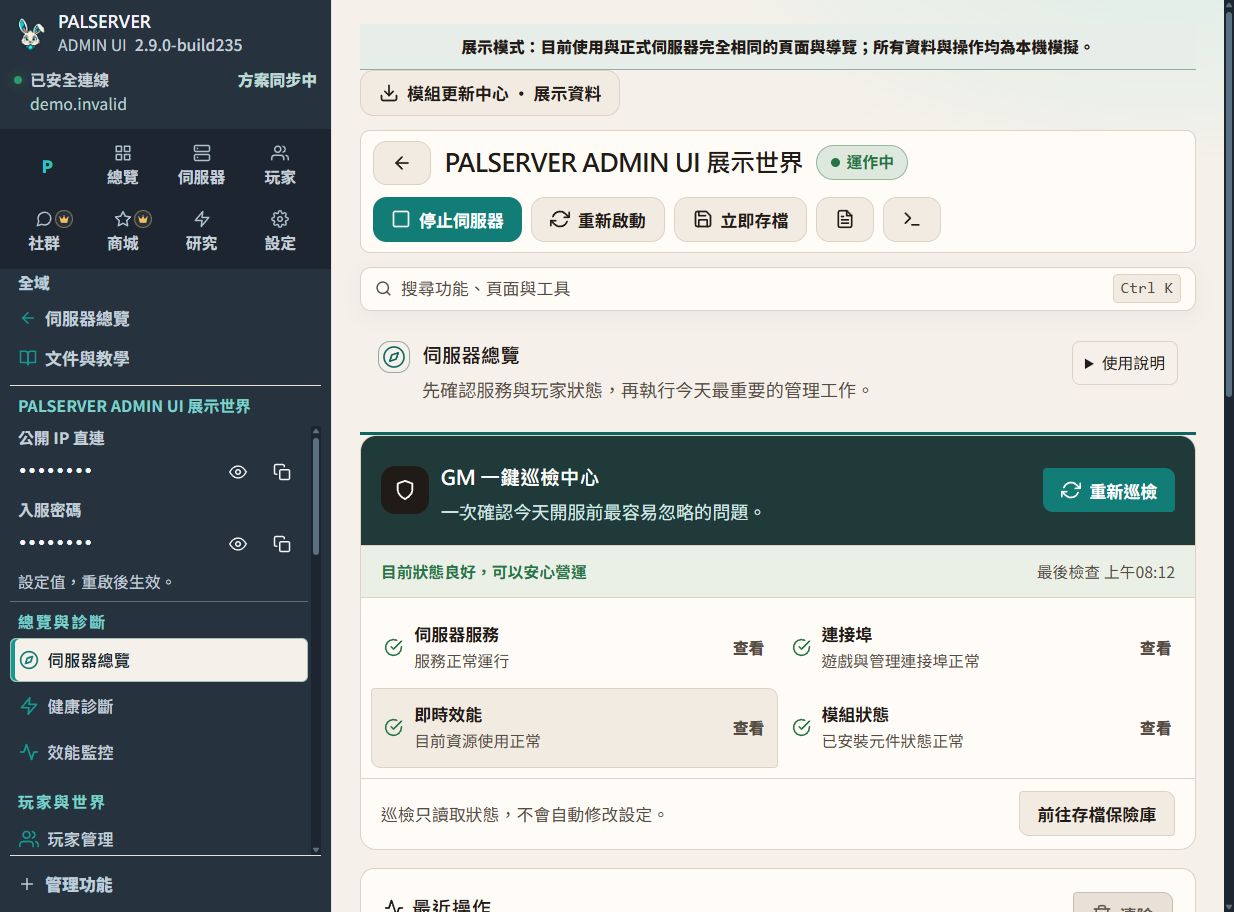
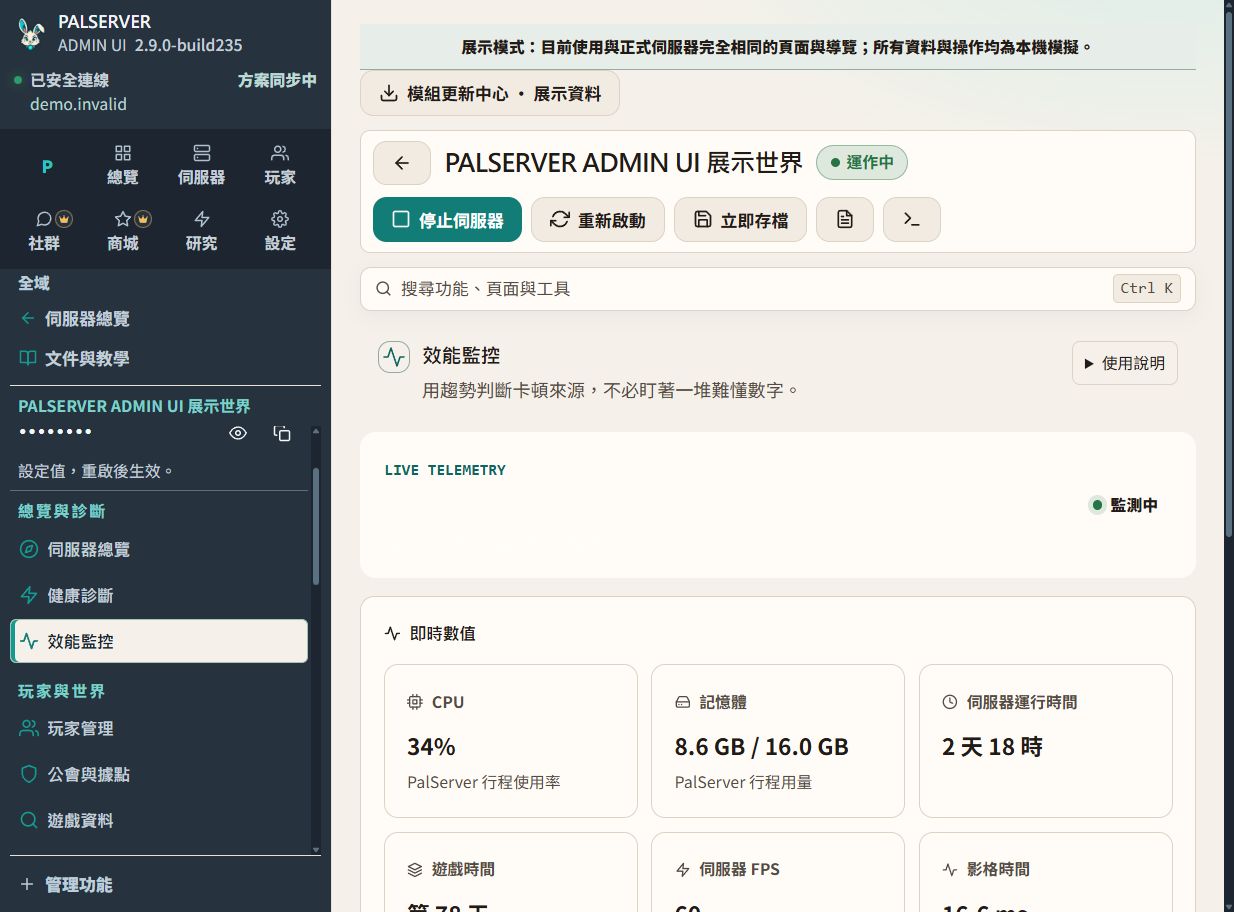
Basics · Daily operations Check performance and server health Path Per-server workspace → Performance
What you will learn CPU, memory, uptime, FPS and latency belong to the selected server and refresh every five seconds alongside a 60-minute trend.
Prerequisites Confirm the target server and required access. Back up before changes.
Follow these steps Read health status before the trend. Investigate sustained load, not a single spike. Charts follow the currently selected server. Build 235 release EXE · Traditional Chinese UI · demo data.View full-size image Confirm success Verify the expected result in the server or game, not only the button response.
Common problems Check the target, data source and logs before retrying an uncertain action.
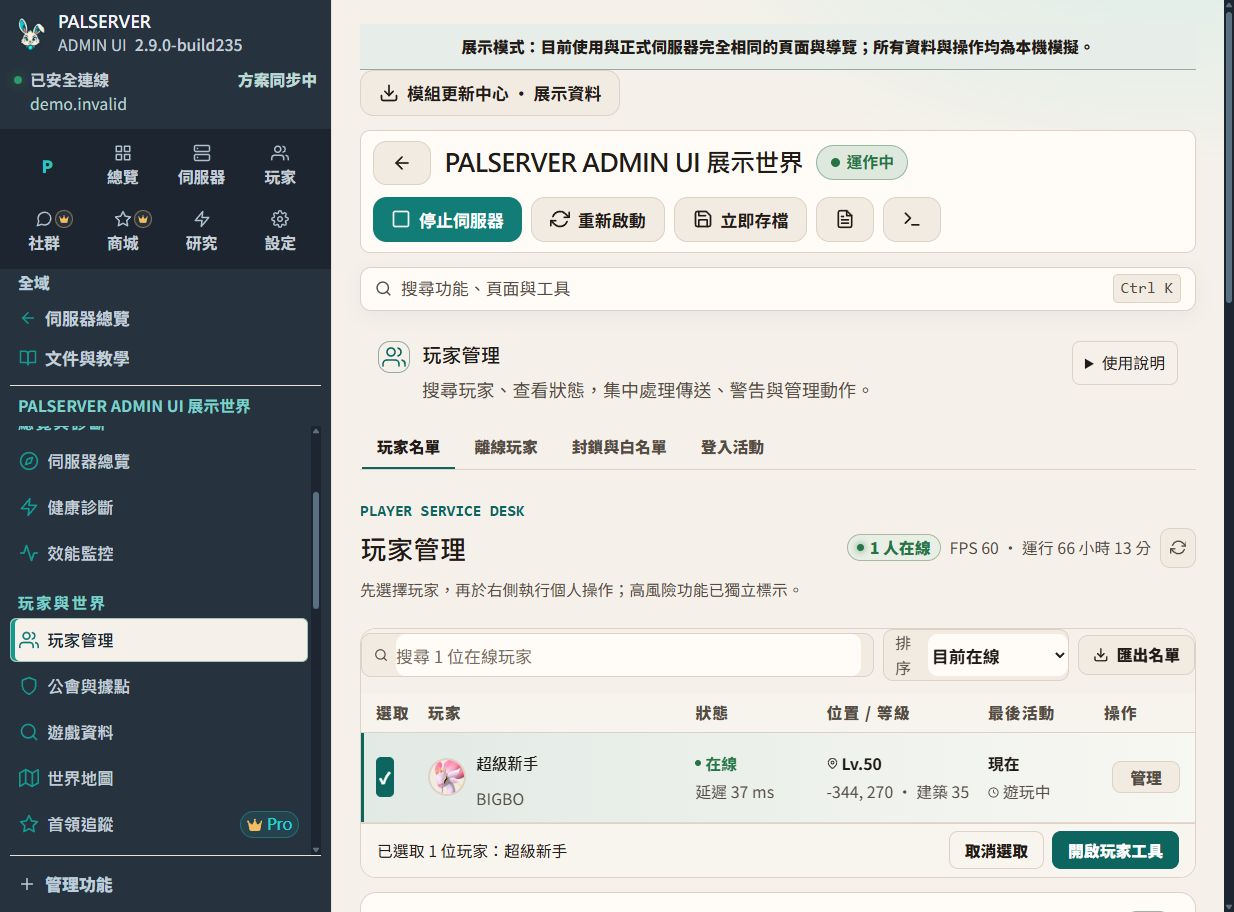
Find and manage players Path Per-server workspace → Players
What you will learn Search and select a player, inspect identity, guild and activity details, then perform a confirmed management action.
Prerequisites Confirm the target server and required access. Back up before changes.
Follow these steps Search by name or account identifiers. Re-check the player and server before action. Sensitive actions require confirmation. Build 235 release EXE · Traditional Chinese UI · demo data.View full-size image Confirm success Verify the expected result in the server or game, not only the button response.
Common problems Check the target, data source and logs before retrying an uncertain action.
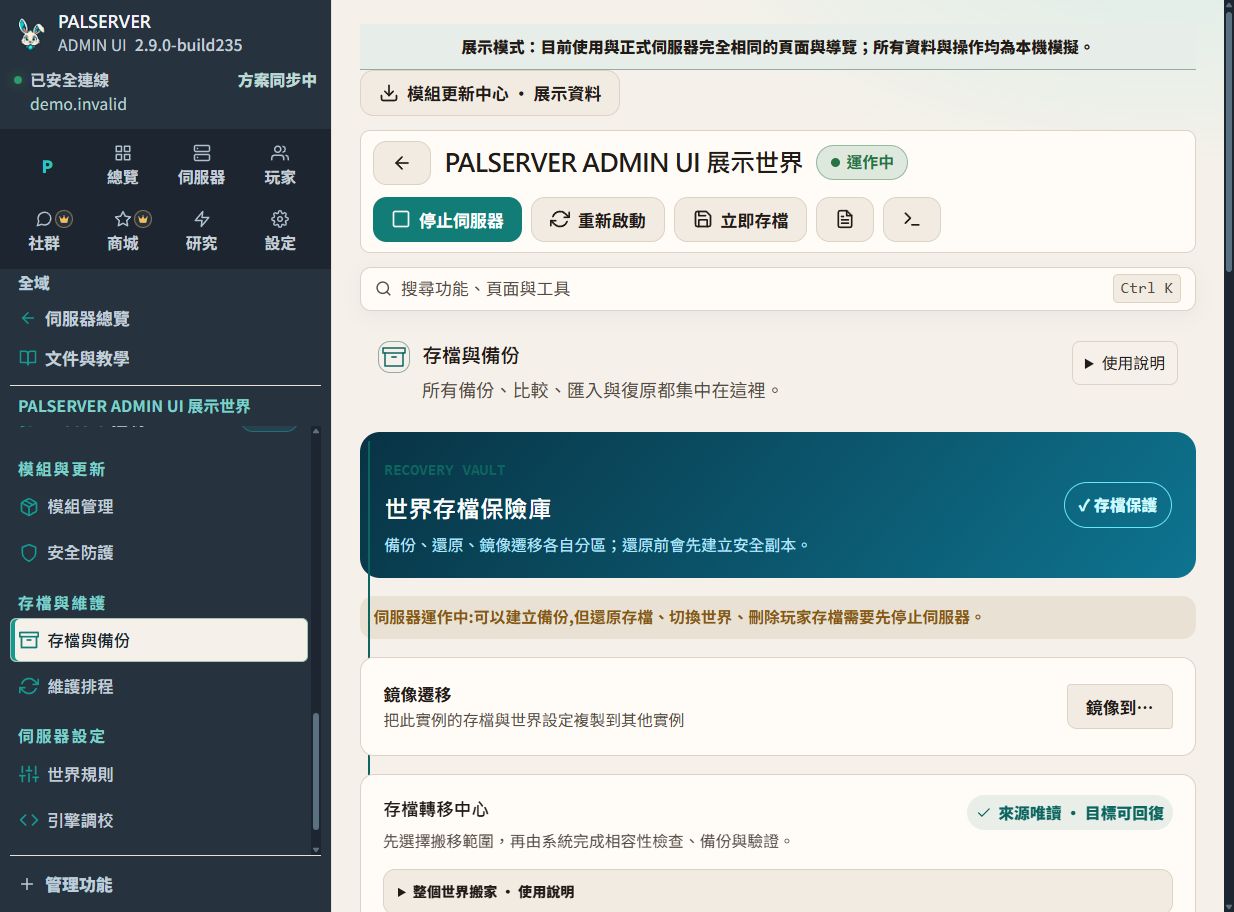
Back up before making changes Path Per-server workspace → Saves & backups
What you will learn Create a clearly named backup before updates, mod changes or world-rule edits. Use automatic backups for routine protection.
Prerequisites Confirm the target server and required access. Back up before changes.
Follow these steps Check backup time, size and source. Stop and back up again before restore. Use descriptive names for milestones. Build 235 release EXE · Traditional Chinese UI · demo data.View full-size image Confirm success Verify the expected result in the server or game, not only the button response.
Common problems Check the target, data source and logs before retrying an uncertain action.
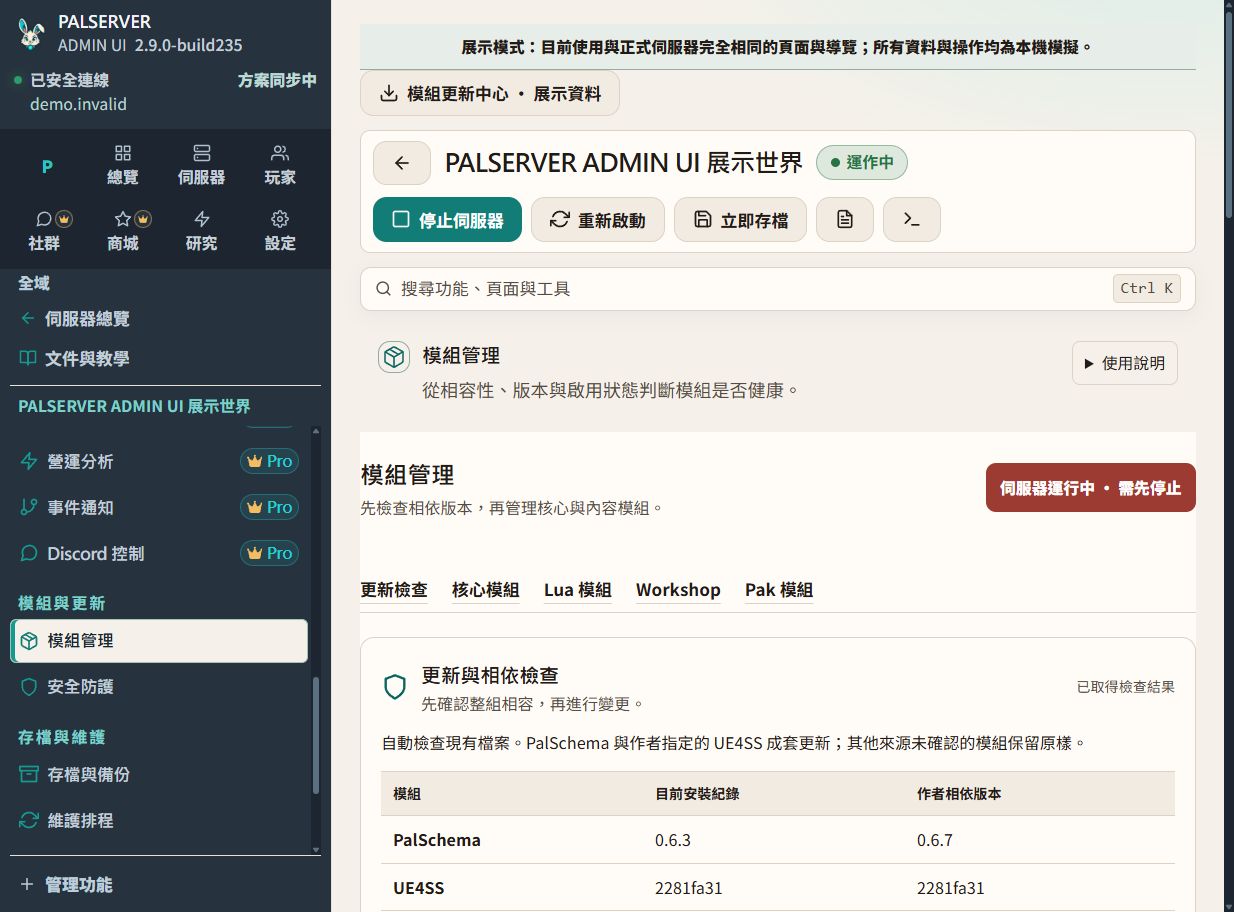
Advanced · Mods & Discord Manage mods safely Path Per-server workspace → Mods
What you will learn Review versions, enabled state and compatibility risk in one place. Back up first and change one mod group at a time.
Prerequisites Confirm the target server and required access. Back up before changes.
Follow these steps Back up before install or update. Change one group at a time. Disable the latest change first when troubleshooting. Build 235 release EXE · Traditional Chinese UI · demo data.View full-size image Confirm success Verify the expected result in the server or game, not only the button response.
Common problems Check the target, data source and logs before retrying an uncertain action.
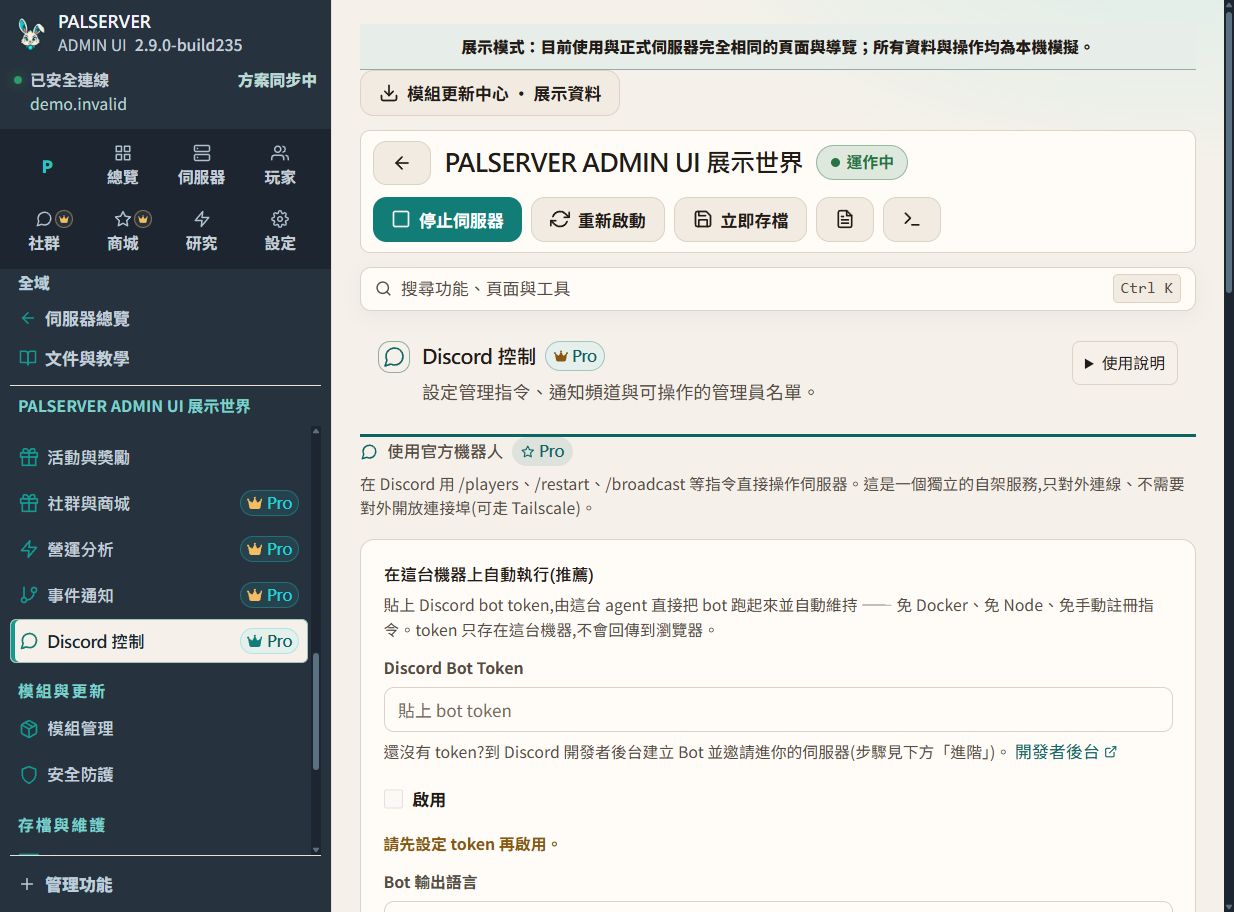
Configure Discord remote management Path Management → Discord Bot
What you will learn Configure the game-control Bot and its administrator ID allowlist. License verification is a separate service; never publish tokens.
Prerequisites Confirm the target server and required access. Back up before changes.
Follow these steps Configure the game-control Bot administrator ID allowlist. Test /status and /players before administrative commands. Keep command docs, support and payment notices separate. Build 235 release EXE · Traditional Chinese UI · demo data.View full-size image Confirm success Verify the expected result in the server or game, not only the button response.
Common problems Check the target, data source and logs before retrying an uncertain action.
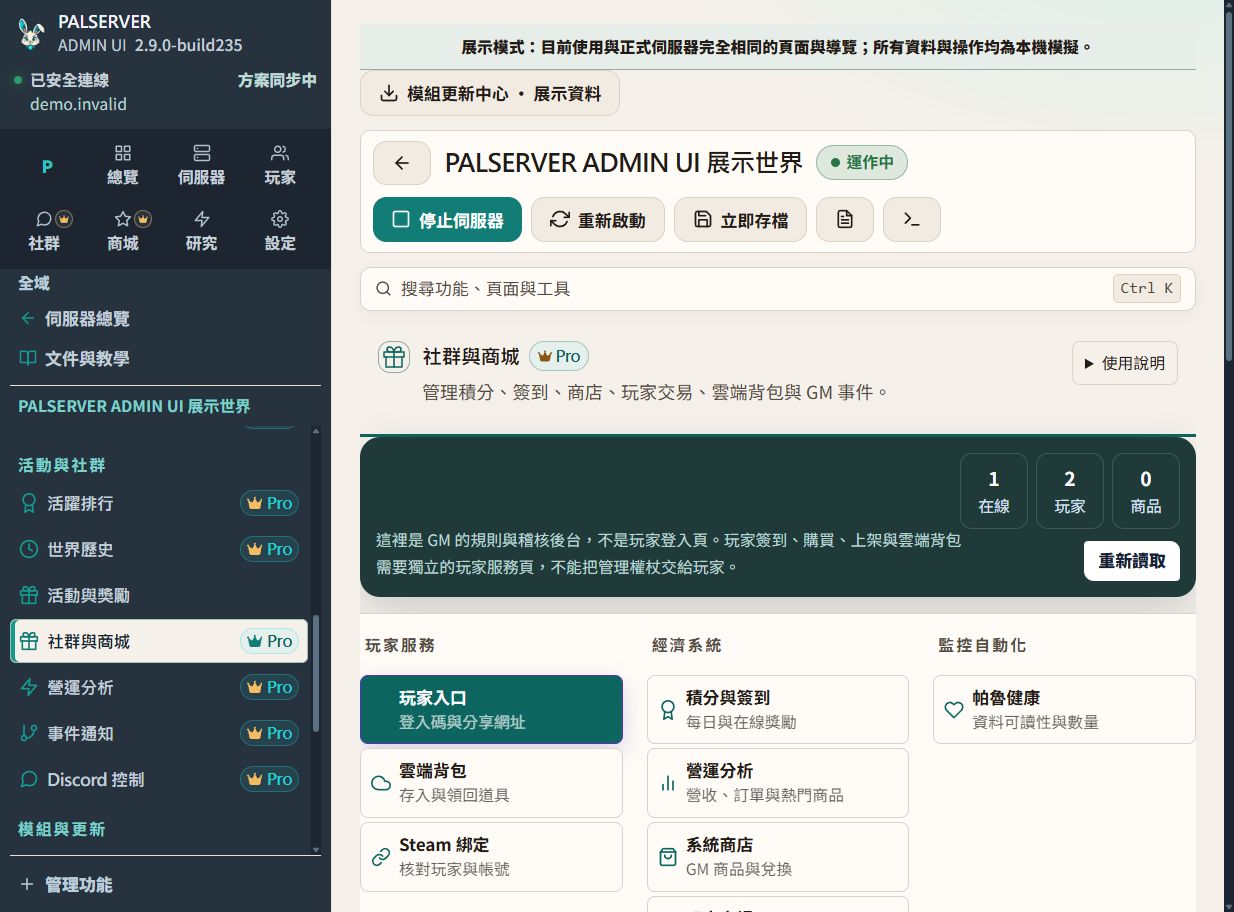
Operations · Community & history Run community and automation workflows Path Per-server workspace → Community operations
What you will learn Coordinate check-ins, points, rewards, rankings and multiple automation rules with separate conditions, actions and cooldowns.
Prerequisites Confirm the target server and required access. Back up before changes.
Follow these steps Define point sources and limits first. Give each rule its own conditions and cooldown. Validate with a test rule before production. Build 235 release EXE · Traditional Chinese UI · demo data.View full-size image Confirm success Verify the expected result in the server or game, not only the button response.
Common problems Check the target, data source and logs before retrying an uncertain action.
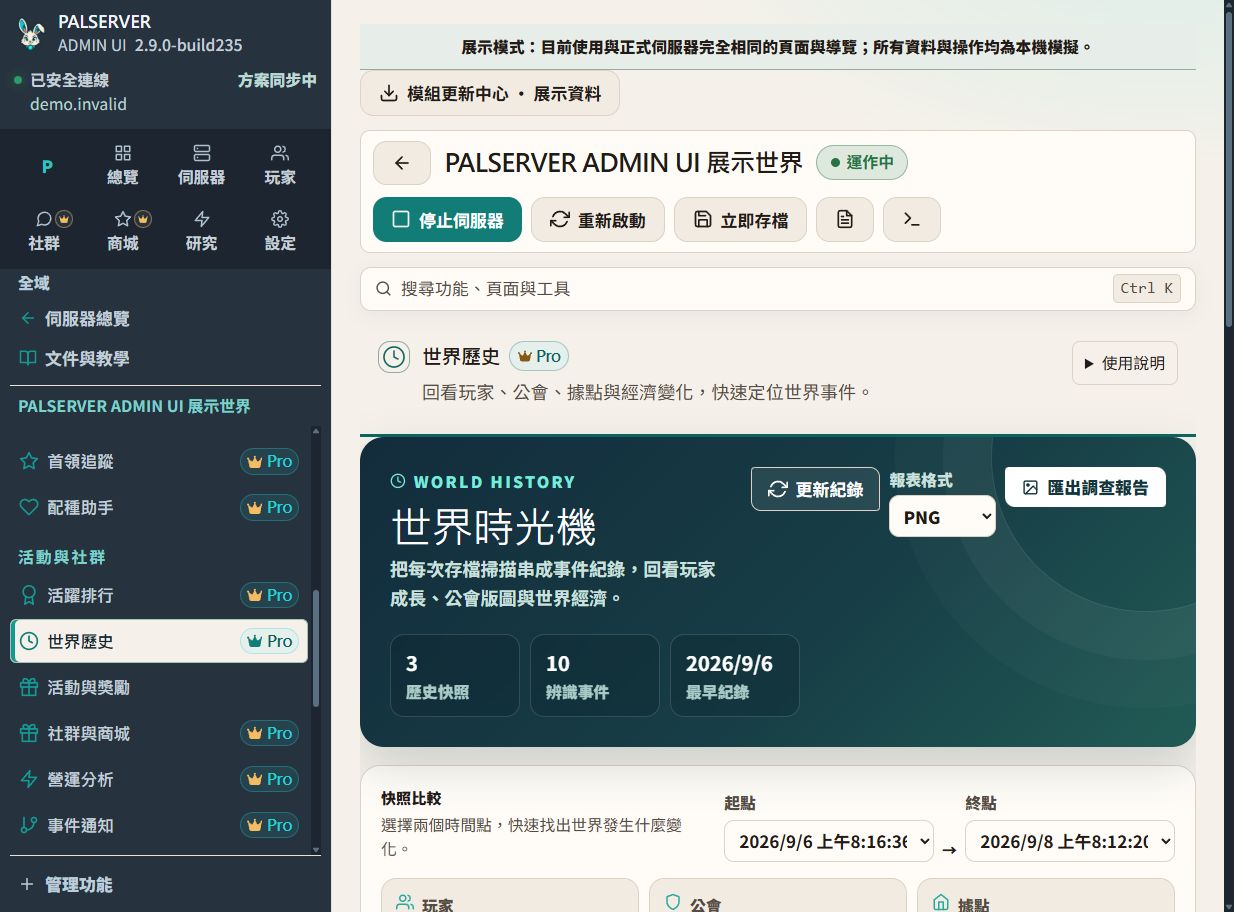
Investigate changes with World Timeline Path Per-server workspace → World Timeline
What you will learn Compare two save scans to review changes in players, guilds, bases, economy and Pals, then export a read-only investigation report.
Prerequisites Confirm the target server and required access. Back up before changes.
Follow these steps At least two scans are required. Choose start and end, then filter events. Export when evidence must be retained. Build 235 release EXE · Traditional Chinese UI · demo data.View full-size image Confirm success Verify the expected result in the server or game, not only the button response.
Common problems Check the target, data source and logs before retrying an uncertain action.
Version & limitations All screenshots were captured from the Build 235 release EXE in built-in demo mode, with synthetic data and Traditional Chinese UI labels. Select a server first, then open performance, players, backups, mods, community, World Timeline or Discord.
Captured from the Build 235 release EXE in built-in demo mode, not a real player or host. Mod versions are illustrative. Final combat stats, complete per-Pal work suitability, and integrated edit history and rollback are not yet fully implemented.
Download Discord lessons (Traditional Chinese)